Housekeeping and turnovers
Today's board, the reset tasks born from departure, their checklist, their reasoned block, the forced close and the proof of service.
Between two stays, YStay tracks one turnover task per unit: the reset that separates a departure from the next arrival. Those tasks live on the same page as today's board, and that page fills itself first, when reservations are confirmed.
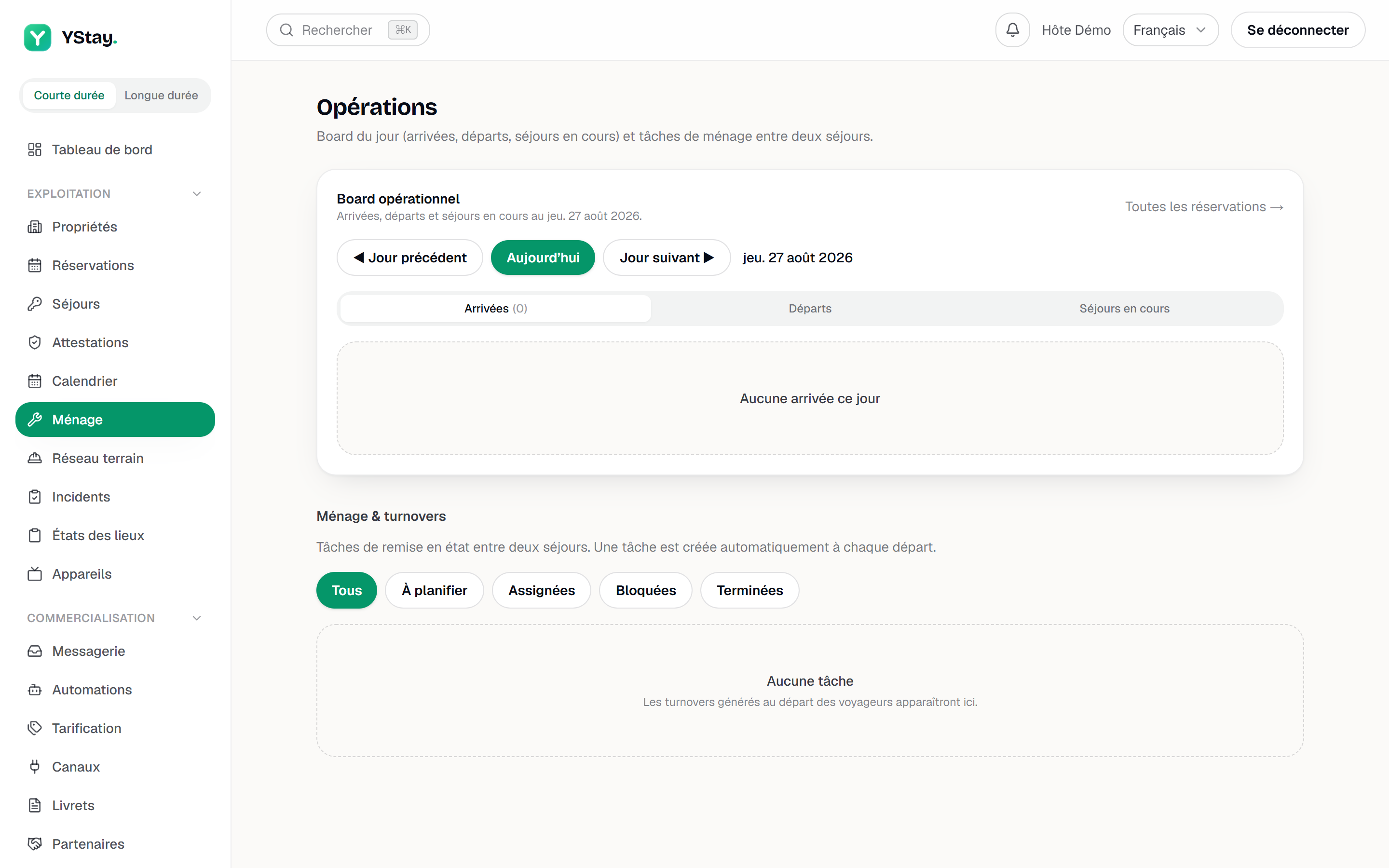
Today's board
At the top of the page, the Operations board shows the day in three tabs: Arrivals, Departures, Current stays. Each reservation recalls the unit, the number of guests, the balance — Settled or the amount outstanding — and, when a task exists, the housekeeping state: to do, in progress, done or blocked. A task already assigned is the exception: for want of a label of its own, the board renders it as the raw server value, “Housekeeping: assigned” — a known translation gap, not one more state. The All reservations → link opens the full list.
Each of the three tabs has its own empty state, along the lines of “No arrivals today”. An empty tab is information, not a loading failure.
This board requires the Lecture box of Stay operations (reservations, check-in/out), because it carries reservation data. A Ménage member does open the Operations page, but only sees the Cleaning & turnovers block there: the tasks, without today's board or the list of reservations.
A task, end to end
Find it
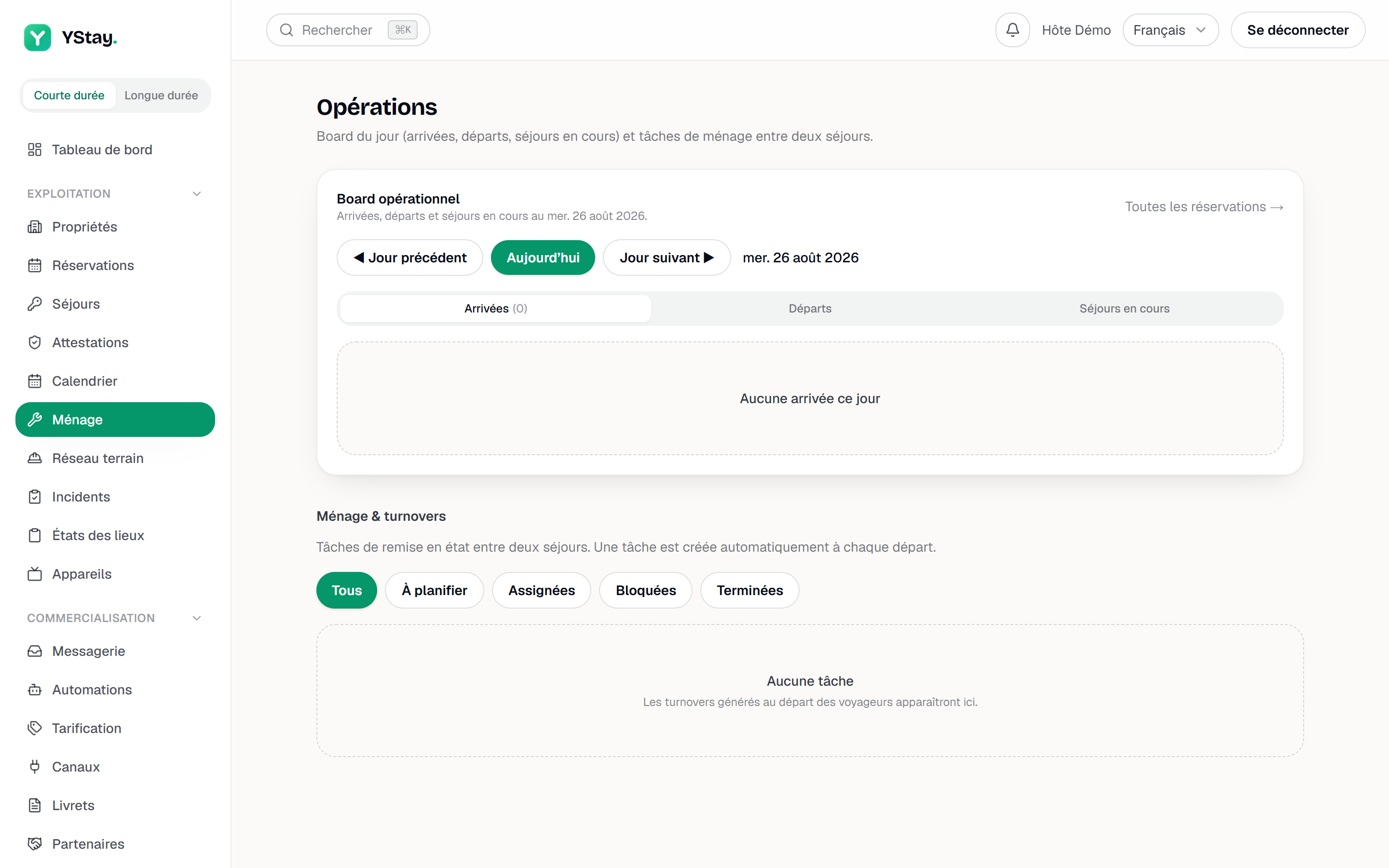
Under the Cleaning & turnovers heading, five filters: All, To schedule, Assigned, Blocked, Completed. A fresh task is To schedule. The card recalls the unit, the task type, the scheduled date and the assignee; the task type, at the top of the card, is now a link that opens the task's full detail (timeline, log, messages with the field worker, proof, summarized reservation).
An open housekeeping task: checklist and assignment. Assign it
Assign opens Assign the task: you pick an assignee from a list with two groups — Team (yourself, the account owner, or an active member) and Field agents (the contractors and the agents without an account, the latter suffixed “(no account)”) — then confirm with Assign. It is no longer a free-text name: the person you pick is real, and an agent without an account receives their task by SMS or WhatsApp — see Add a field agent without an account. To genuinely hand a mission to a contractor, go through the field network.
Tick the checklist
Every task is born with the same seven-line checklist — linen, bathroom, kitchen, floors, bins, consumables, inspection before arrival. The Checklist counter shows progress. Boxes can be ticked and unticked freely until the task is completed.
Block it, with a reason
Block opens Block the task: the Reason is required, picked from a closed list — Access issue, Missing supplies, Damage found, Guest still present, Other — with an optional Note (optional). It is no longer free text. The task stays blocked until it is unblocked, and the chosen reason then shows in red on the card.
Complete it
Complete closes the task. If the checklist is incomplete YStay refuses and shows the error: that is the expected behaviour, not a technical fault. The same goes for a welcome or a departure entrusted to a field worker: as long as not all of their steps are confirmed — or the key handover is not signed, when the setting requires it —, YStay refuses too.
Keep the proof
Once the task is finished, its detail carries the Proof of service card: a PDF that gathers the photos, the checklist, the steps, the key handover signature and the timeline, with roles and never names. It builds itself at closing when a proof photo was required or the key handover was signed; otherwise Generate the proof produces it on request, and Download fetches it. See Proof of service.
A cleaning finished early can offer an early check-in
When the housekeeping task of a departure is closed early on the very day of an arrival, the unit is ready before the standard time — and YStay can turn that into an early check-in offer to the arriving guest. This signal only applies if your policy accepts a departure and an arrival on the same day: the Only if no departure takes place on the arrival day box, in the Early check-in / late check-out tab of Terrain, must be unticked (the YStay default leaves it ticked and then offers the evening before, on a free unit).
The offered time is the end of cleaning plus the Buffer after cleaning (min), rounded up to the next quarter of an hour, never before the Earliest arrival time. In copilot mode, the offer arrives in the bell with Offer and Dismiss: nothing reaches the guest without your tap. And when an early arrival is paid while the departure cleaning has not started yet (an offer made the evening before), that cleaning's deadline is recomputed: the team sees its new time limit. Full details: Early check-in and late checkout.
What's next
- Terrain: the stay plan and My day — set what every stay triggers, and a task's full detail.
- Run a stay: check-in and checkout — the departure that triggers the housekeeping task.
- The field network — handing a turnover to a contractor, with proof attached.
- Guest access codes: issuance, tracking and troubleshooting — the codes that departure revokes.
- Proof of service — the PDF that proves what was done on a finished task.
- Operations — the other screens of the stay and its aftermath.
Updated on